Pass the CSE. First try.
1,000 practice questions — every single one with a written explanation — plus full-length timed mock exams at the real exam pace. No signal required, no account, no subscription.
Store links go live at launch.
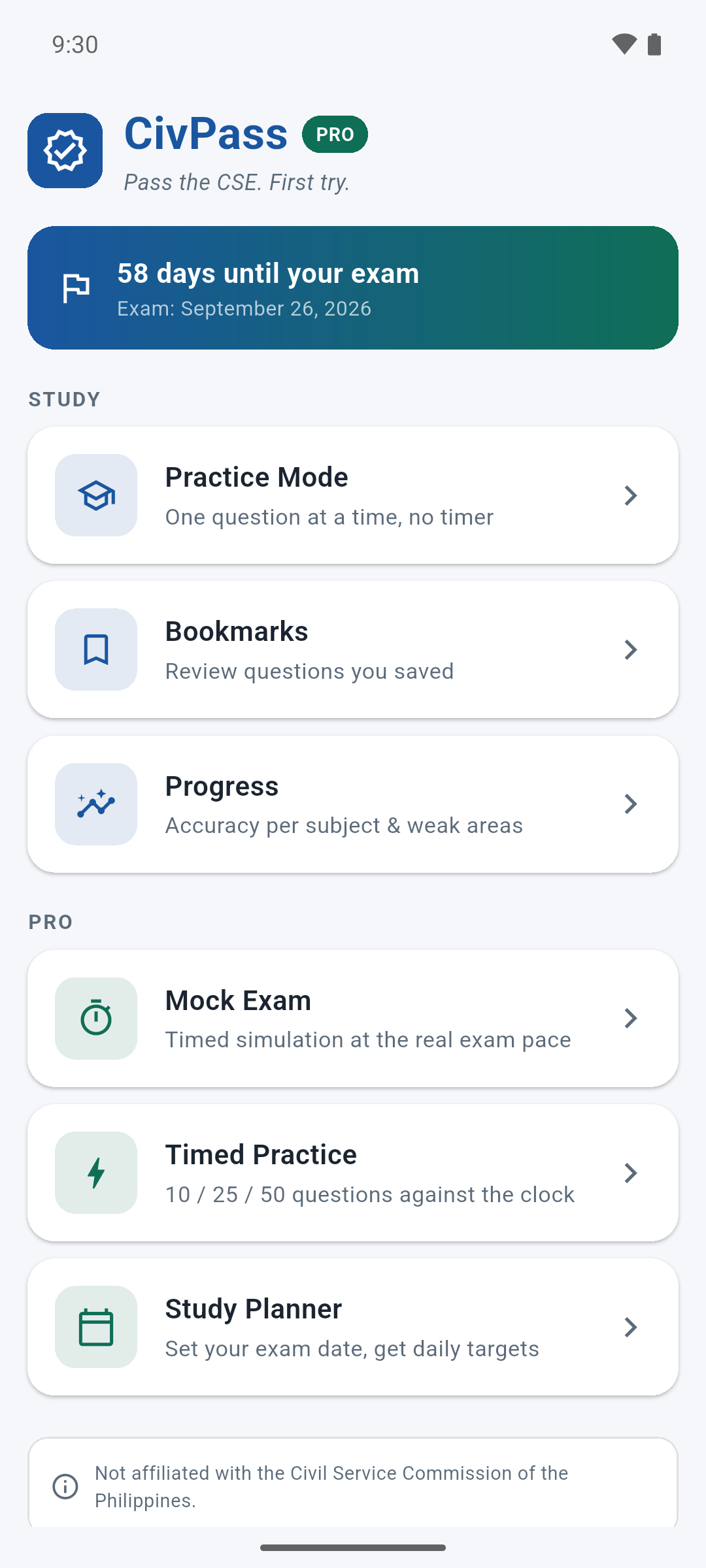
What you get
Every item covers a topic from the public CSC syllabus, at both Professional and Sub-Professional level, across all four subject areas: Verbal, Numerical, Analytical, and General Information.
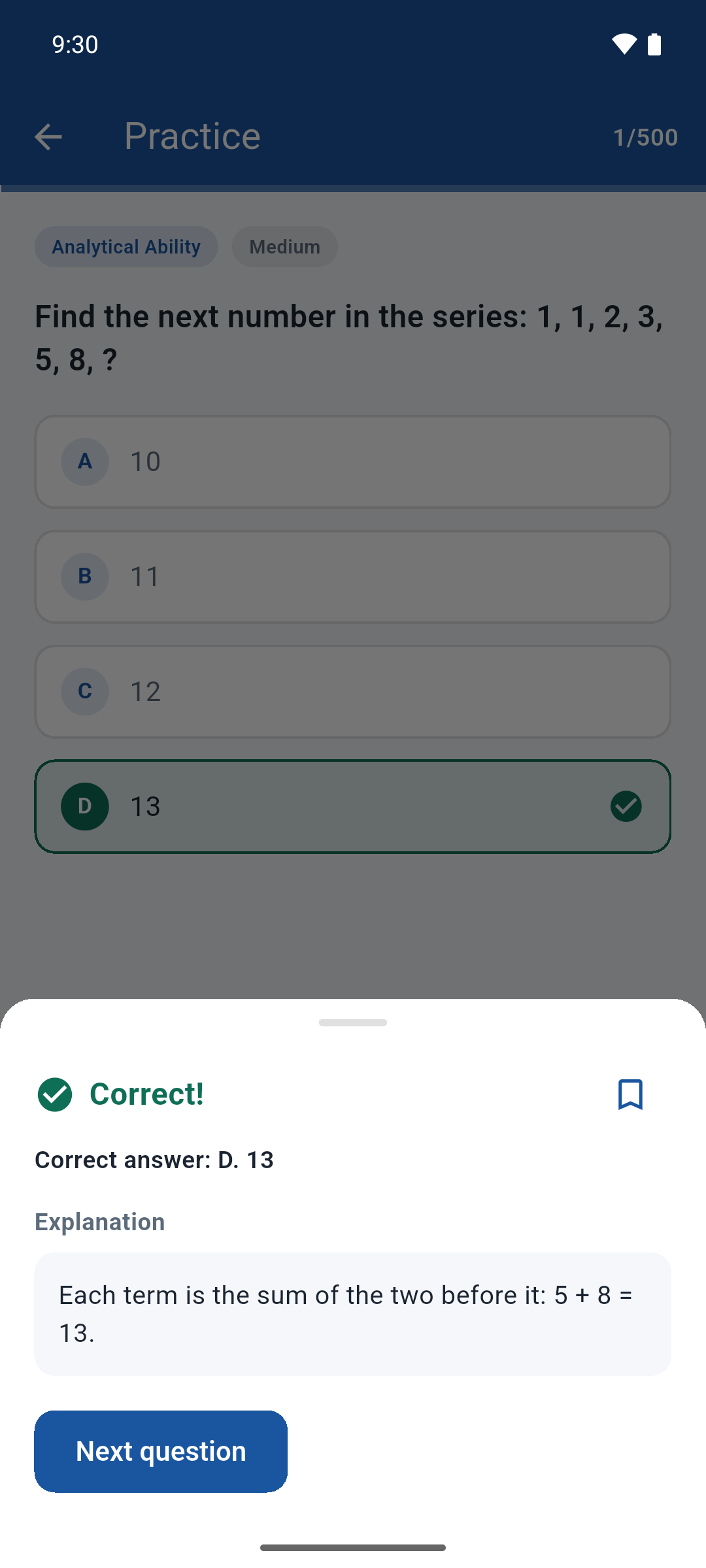
Answer, then read why it is the answer. No bare answer keys — every item ships with a written rationale.
The whole bank installs with the app. Review on the jeepney, in a queue, in a dead spot — no data, no buffering.
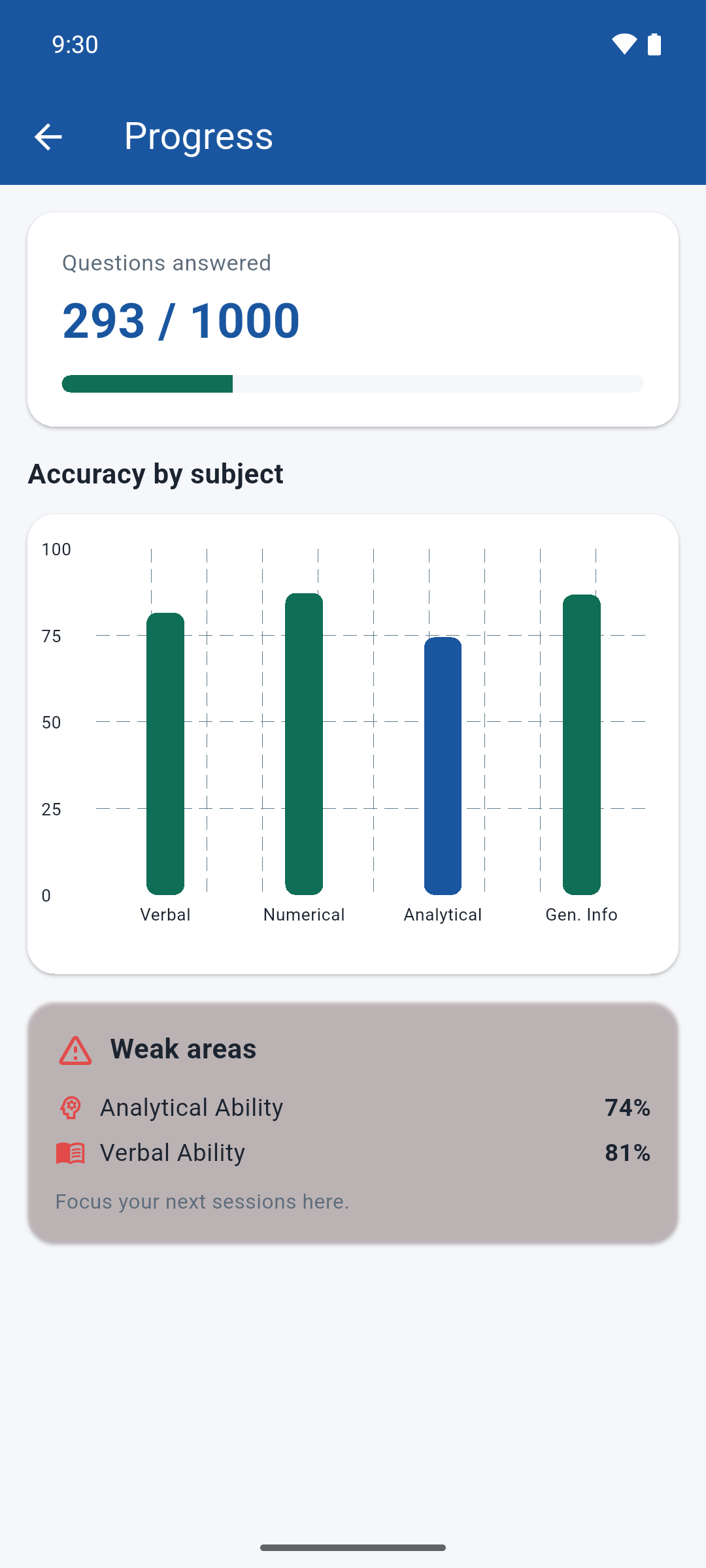
Accuracy tracked per subject, with your weakest areas surfaced so your next session is not a guess.
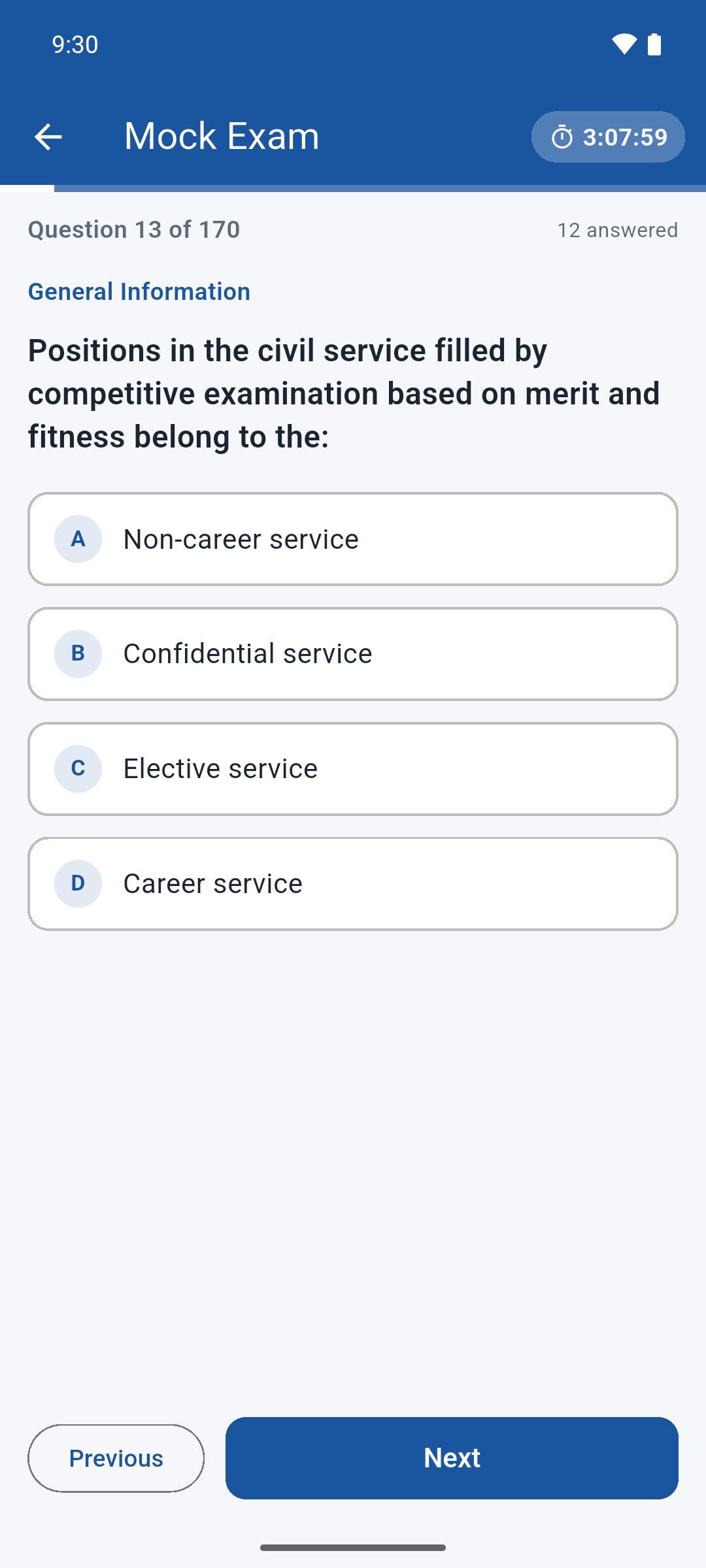
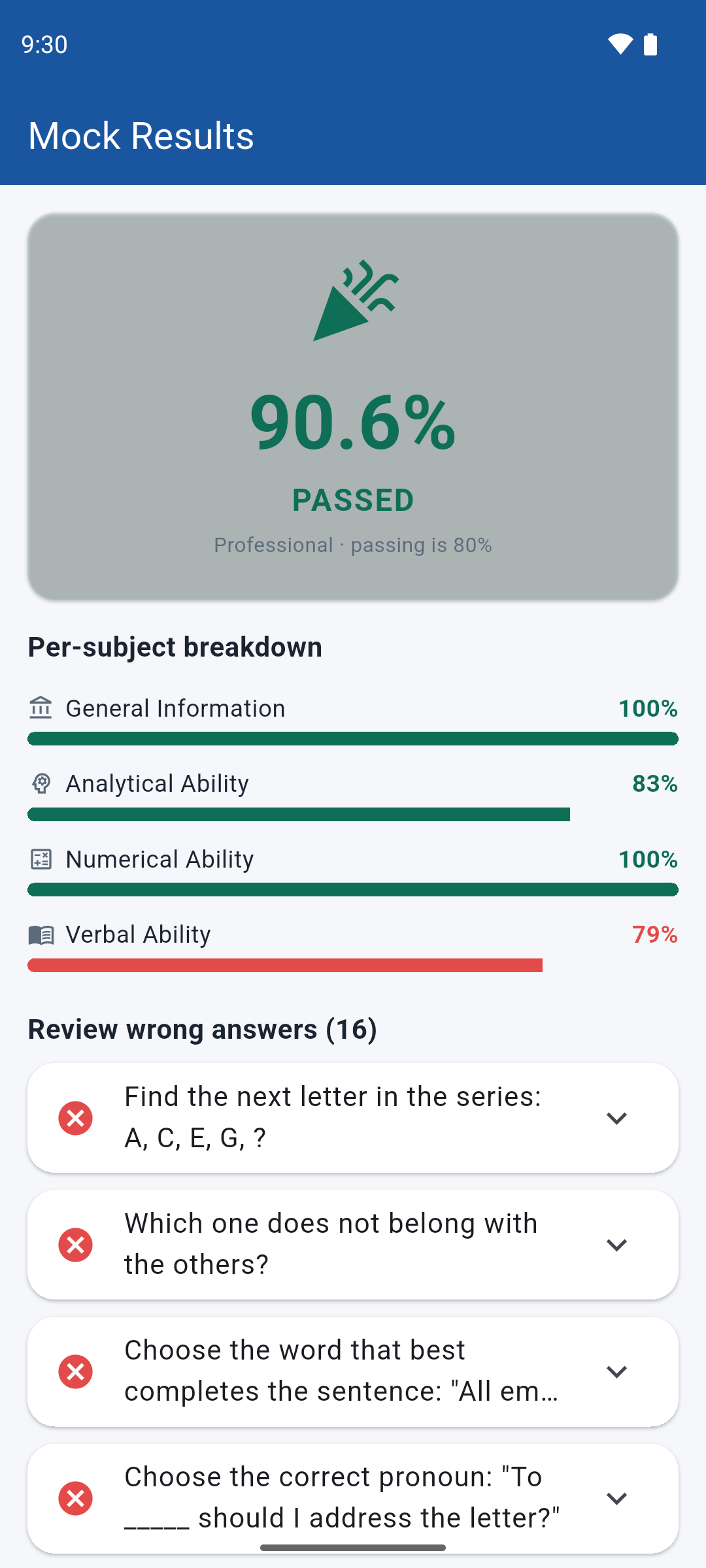
170 items in 190 minutes against the real 80% passing mark, with a pass/fail verdict and a per-subject breakdown.
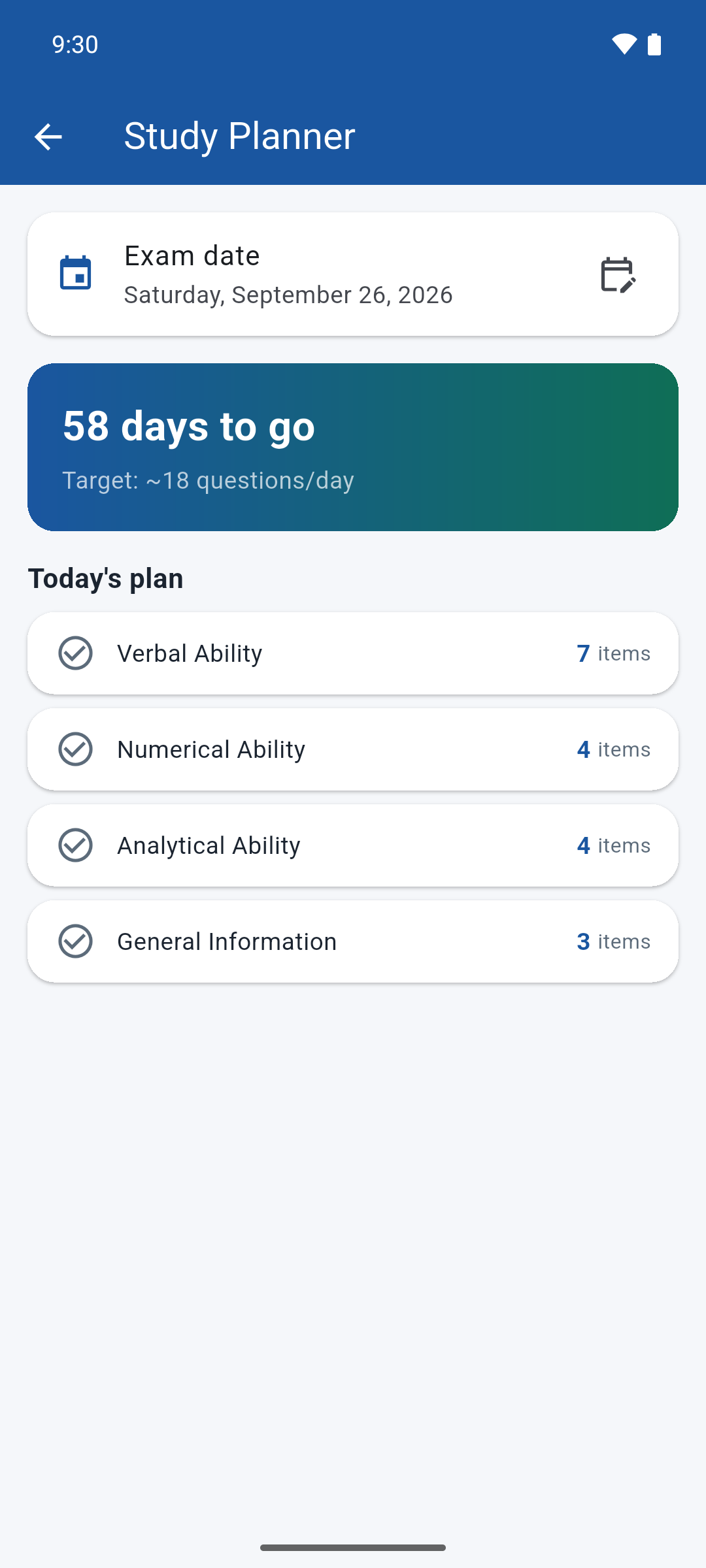
Set your exam date and get a daily question target, split across the subjects, counting down to the day.
10, 25, or 50 questions against the clock, to train the roughly 67-seconds-per-item pace the real exam demands.
A look inside
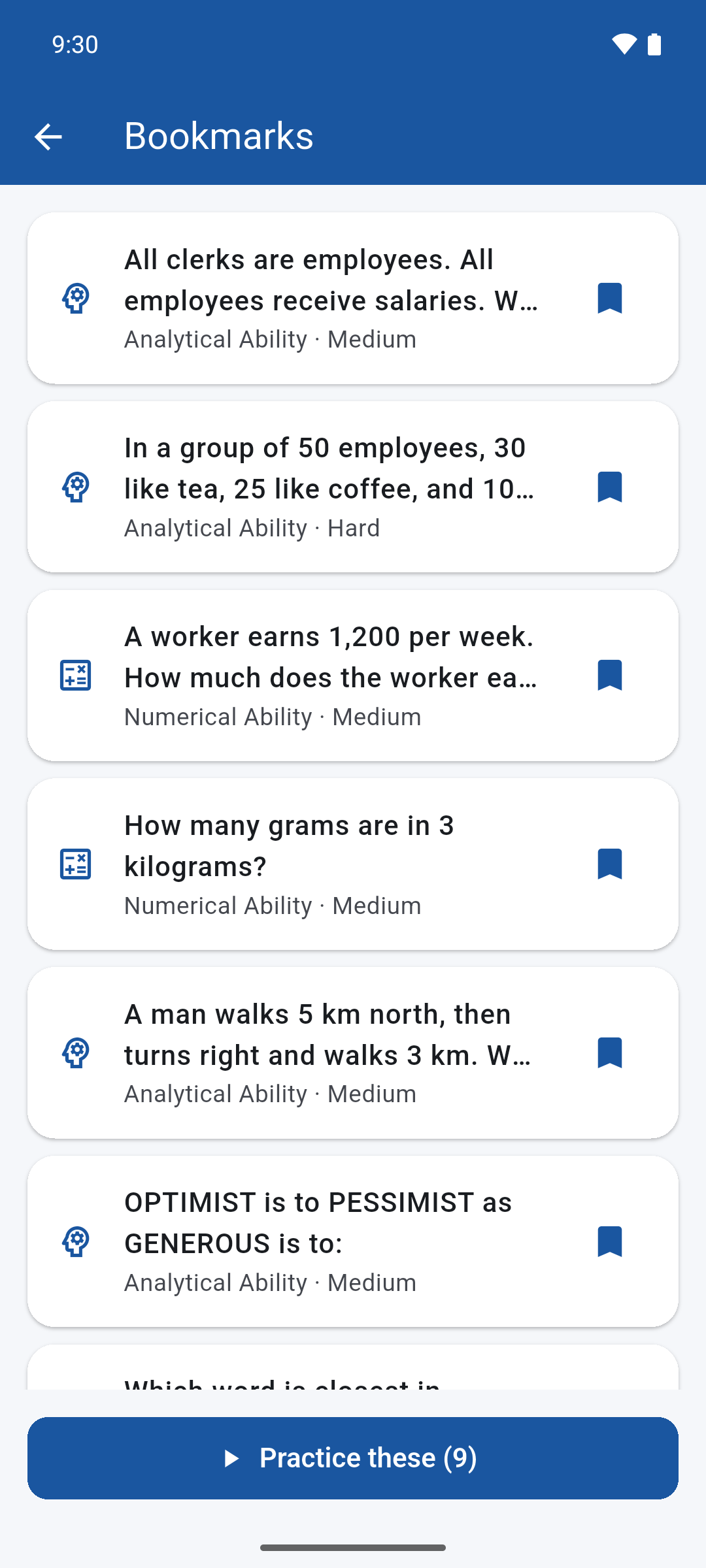
These are unedited screenshots from the app.
Pricing
No subscription, no auto-renewal, no credits. Start free and unlock the rest when you are ready.
Questions
No. CivPass is an independent study app and is not affiliated with, endorsed by, or connected to the Civil Service Commission of the Philippines. Always confirm exam dates and requirements on the official CSC website.
No, and be wary of anything claiming otherwise. Every item is original, written to cover topics from the publicly published CSC syllabus. The point is to drill the skills the exam tests, not to memorise leaked items.
Only to install the app and, if you choose to upgrade, to complete the purchase. Studying itself is entirely offline — the question bank and your progress live on your device.
Both, with 500 items each. You pick the level when you start a practice session or a mock exam.
No. It is a single ₱99 in-app purchase with no renewal. If you reinstall or switch to a new phone on the same store account, use Restore purchase on the upgrade screen.
There is no account and no sign-up. That also means progress does not sync between devices — it is stored locally on the phone you study on.
 CivPass